
Guides
Worming from Home guides for first login, desk physics, office tasks, stocks, and the senior analyst promotion.
View all GuidesDesk physics, work tasks, and promotion tips for the worm finance sim.
Unofficial wiki for Worming from Home: desk physics, work tasks, stock trades, upgrades, and promotion tips after launch.
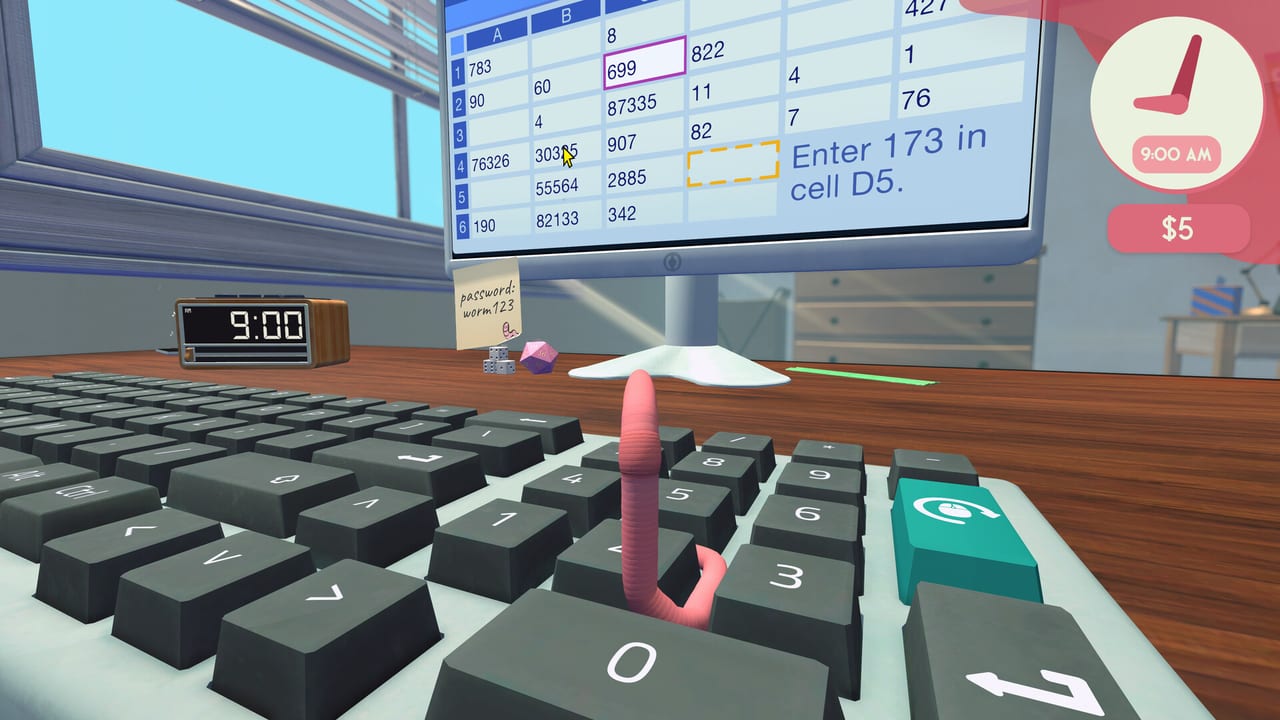
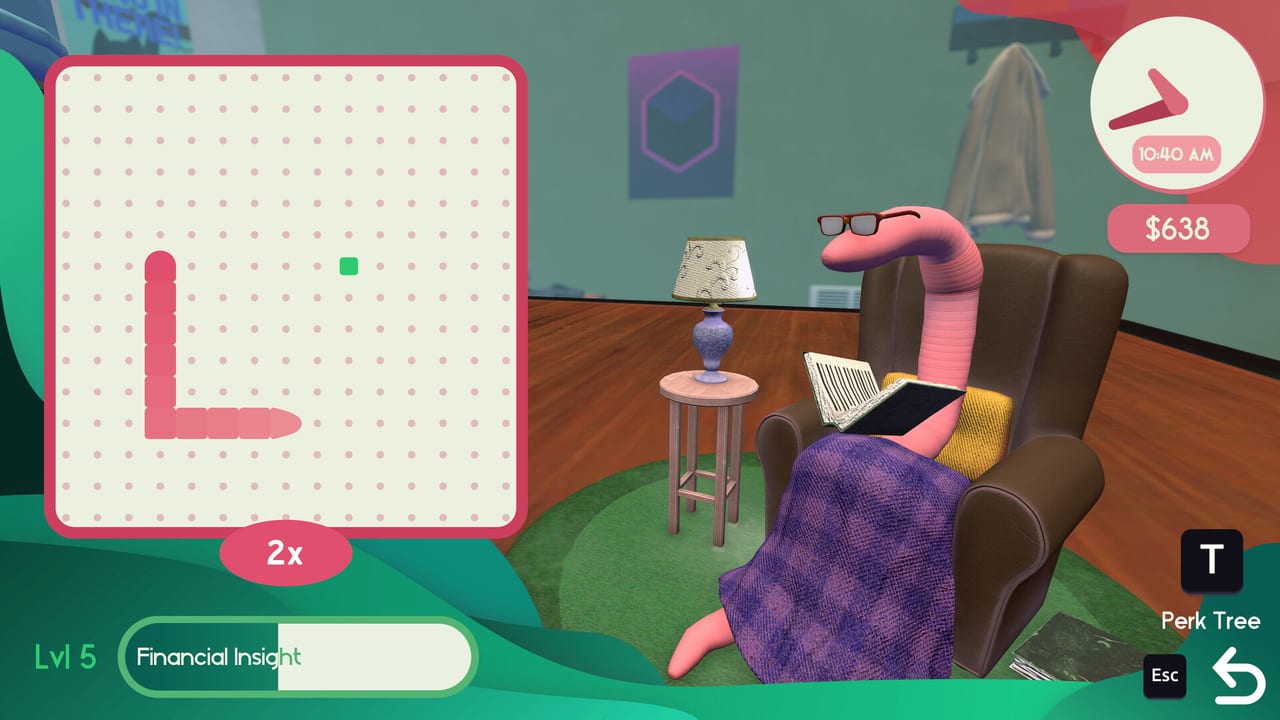
Worming from Home is a single-player physics job sim from Zach Northrop and Mason Sabharwal. You are a junior financial analyst who is also, secretly, a worm. Launch day was 4 September 2026 on Steam for Windows and macOS, with Steam Deck Verified controls. Start with the getting started guide, learn the desk physics, then work through tasks, the stock market, and the upgrade ranking.
Worming from Home guides for first login, desk physics, office tasks, stocks, and the senior analyst promotion.
View all GuidesWorming from Home rankings for desk upgrades, training toys, and hats so the first bonus is not just a sock hat.
View all Tier ListWorming from Home patch context: September 2026 launch, demo history, Steam Deck verification, and where notes go next.
View all UpdatesWorming from Home tools: controls, Steam Deck notes, system requirements, and the 32 Steam achievement checklist.
View all ToolsOfficial Worming from Home links: Steam store, Discord, YouTube, socials, press kit, and how this fan wiki relates.
View all LinksBuy the game on Steam, pick keyboard or controller, and ride out the opening boss call. The getting started page covers login, the task board, and how to stop falling off the desk.
Typing is a physics problem. Use the how to play notes and the controls reference so you can headbutt keys without launching into a mug.
Work items land on the task board with real timers. The task guide walks through emails, spreadsheets, and hanging up without revealing you are a worm.
Shop purchases change how the desk plays. Rank them on the upgrade tier list, then open the perk tree so gym and reading actually pay off.
Promotion is output plus optics. Combine stock market plays with the promotion guide and check launch notes after patches.
Quick answers to the most common questions.
A single-player physics job sim where you play a junior financial analyst who is secretly a worm. You fling a ragdoll body around a home-office desk to type, trade, and chase a promotion.
It launched on Steam on 4 September 2026 for Windows and macOS. Steam Deck is Verified. It is single-player only. Use the official links page for store, Discord, and socials.
Read Getting Started, then How to Play. After the first bonus, open the upgrade ranking instead of buying every hat.
No promo-code channel is advertised on the Steam page, and the store lists single-player only. This wiki does not invent codes. Treat the campaign as a solo desk.
Steam lists English (full audio), French, German, Spanish (Spain), Japanese, Russian, and Simplified Chinese. This wiki covers English, French, German, and Spanish.
No. It is a fan resource. Confirm patches and pricing on the Steam store and the developers' Discord or social accounts linked from Links.
Open the getting started guide for first-hour setup, then jump to how to play and the upgrade tier list once the bonus hits.
Start with the beginner guide