
Worming from Home Guides
Clock in without eating the carpet. Every tutorial on the wiki lives here.
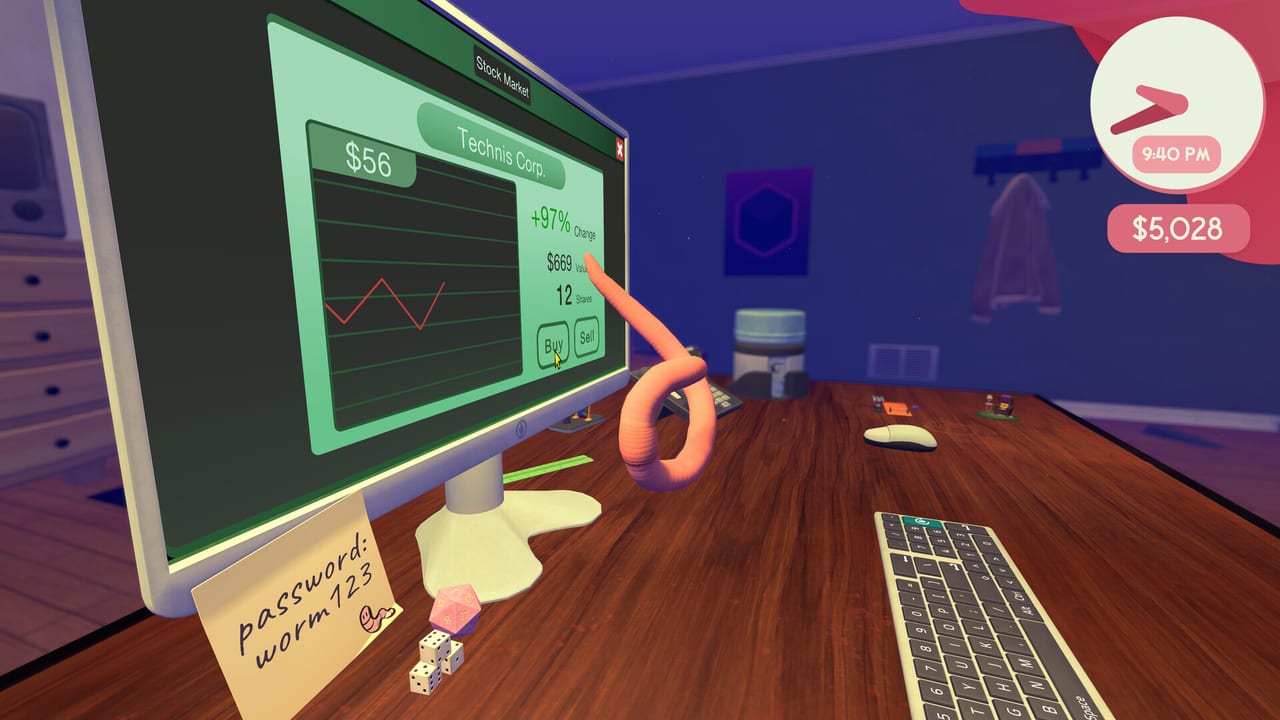
This hub is the map for every Worming from Home tutorial on the site. The game launched on Steam on 4 September 2026 as a single-player physics job sim: you are a junior financial analyst, you live on a human-scale desk, and nobody on the call is supposed to learn that you are a worm. If you only open one page after buying the game, start with Getting Started. If the ragdoll already has you bouncing into a mug, jump to How to Play or the compact controls reference.
What these guides are for
Worming from Home is funny on purpose, but the loop is a real workday. A task board fills with mail, spreadsheets, and phone jobs. Some of those jobs want a number copied off an object on the desk. Some want a formula. Some want you to hang up before the boss hears a squelch. Deadlines are real enough that a sloppy launch across the keyboard costs the bonus you needed for the next shop item. The pages below split that loop into jobs players actually search for, instead of one endless recap of the Steam blurb.
Use How to Complete Tasks when the board is the problem. Use Stock Market when the bonus is the problem. Use How to Get Promoted when the title is the problem. Worm-Life Balance covers gym, reading, shopping, and hats — the systems that look like jokes until they change your output. Worm Hole is the optional platforming gauntlet hiding behind a shop portal. The perk tree is the RPG layer under the comedy. The review is for the buy/skip question after you have seen the loop. The PC nav only shows eight guide rows; everything else is on this hub.
Suggested reading order
- Getting Started — first call, login, task board, falling off the desk.
- How to Play — ragdoll, typing, mouse dragging, controller and Steam Deck.
- How to Complete Tasks — mail, sheets, phone, exploration jobs.
- Upgrade ranking — spend the first bonus on the desk, not on every hat.
- Perk Tree — 198 perks, gym and nook training, shop-gated tiers.
- Stock Market and How to Get Promoted — money and title.
- Worm-Life Balance and cosmetics ranking — side systems and drip.
- Launch notes and first-week notes after a patch; achievements for the 32 Steam ticks.
Sibling pages in this category link to each other on purpose. If a guide mentions a shop toy, it should send you to the upgrade tier list instead of restating the whole catalog. If it mentions a patch, it should send you to Updates. Official store, Discord, and social accounts sit on Links.
What this wiki will not invent
There is no advertised promo-code channel on the Steam page, and the store lists single-player only. We will not invent daily codes, a second player, or a Trello that the developers have not published. When a mechanic is only confirmed from the demo, a trailer, or a launch-week article, the page says so. Shop items named in playthroughs (reading nook, gym gear, intern, worm hole, hats, webcam, drinking bird) are treated as catalog examples, not a locked live spreadsheet of prices.
If you are here because a video made the game look like QWOP, read the control pages first. Launch-week coverage called the ragdoll unruly but surprisingly pleasant once you stop fighting it. That is the skill the rest of the wiki assumes you are building.
Frequently Asked Questions
Quick answers to the most common questions.
Which Worming from Home guide should I read first?
Open Getting Started for the first hour, then How to Play if the physics still feel random.
Do these guides cover the Steam Deck?
Yes. The game is Steam Deck Verified with full controller support. See How to Play and system requirements.
Is there a codes page?
No. Worming from Home is a paid Steam sim without a public code pipeline. Spend time on tasks and the shop instead.