
Worming from Home Perk Tree and Skill Training
One hundred ninety-eight reasons the gym and the nook are not just bits.
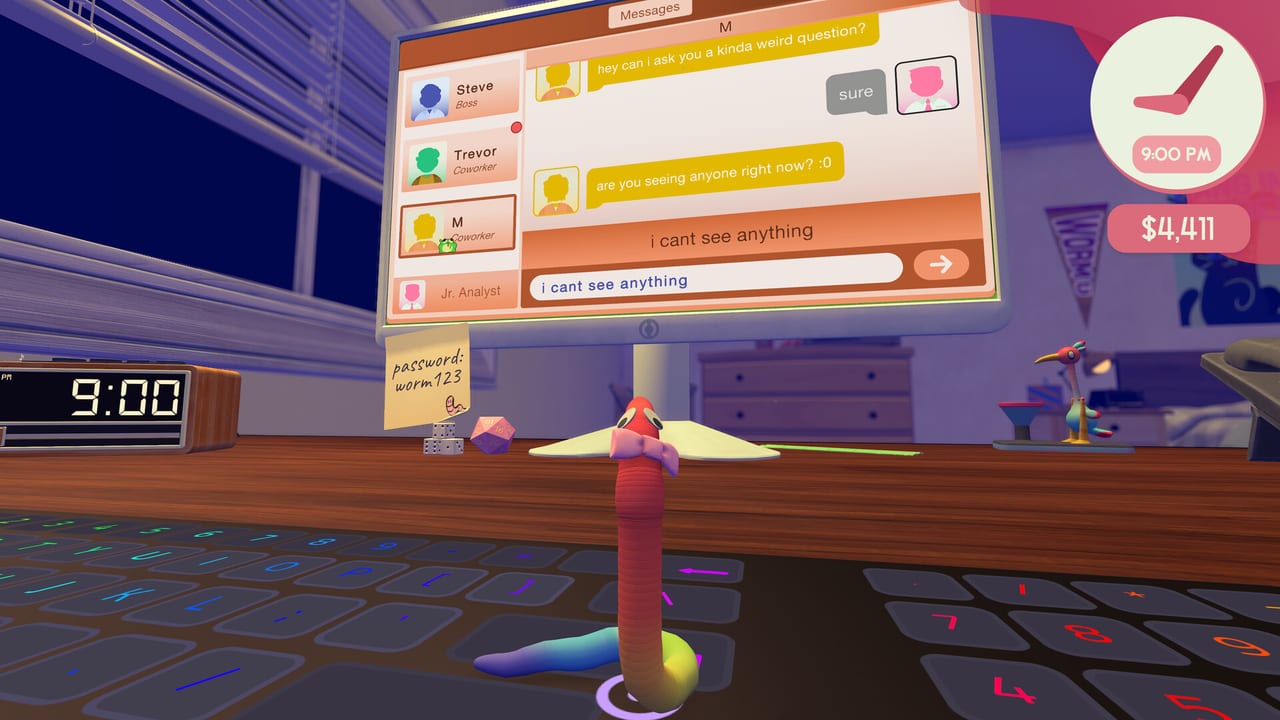
The in-game helper does not whisper about a hidden skill menu. It dumps a perk tree on the desk and dares you to spend points like a junior analyst who just discovered Excel. This page is the how-to-train, how-to-spend, and how-not-to-waste-the-first-seven-points guide. Movement still lives in How to Play. The shop toys that gate higher tiers sit on the upgrade ranking. The title those perks are supposed to support is How to Get Promoted.
How to open it
Official screenshots put a Perk Tree control on the HUD (the T prompt on the reading-nook shot). Playthroughs also interact with the nook or gym and then hear the helper’s speech. If T does nothing, you are probably mid-card or not near a training object. Finish or pause the task, walk to the reading nook or gym, and try again. We will not invent a secret key that the live build does not show.
What the helper actually says
Multiple playthroughs quote the same tutorial: there are 198 unique perks, each with interior levels. When you level up you get one perk point plus one extra point per previous level, up to a maximum of seven. You must follow the path from the starting node. You can go in any direction, but spending radially outward is called the efficient route. Certain tiers want fancier training items from the shop. The same speech flags unlocking the stock market and unlocking advanced spreadsheets with harder files and bigger rewards.
Treat that paragraph as the game’s own manual. It is not a datamine. If a patch rewrites the numbers, first-week notes and Steam news win.
Where levels come from
Training is a purchased loop, not a passive XP bar you fill by existing. Demo and launch playthroughs level muscle mass at the gym (move speed, jump height, grab strength, head-bash force, and weaker sleep debuffs). The reading nook is the other converter: a Snake-style study minigame that pays financial insight and better market access, covered on the stock market page. If you have not bought either toy, you are staring at a tree with no fruit. Rank those buys before the third hat on the cosmetics list.
A first-week spend that is not a meme
- Buy desk or mouse if typing is still the wall. Perks do not aim your head for you.
- Buy gym or nook, whichever matches the gate in front of you (movement vs market).
- Open the tree. Walk outward from the start. Do not skip a ring because a joke node looks funny.
- If a node names sheets or stocks and it is dark, you are missing a training item, not a code.
- Cap is seven extra points from prior levels. Do not hoard forever. Spend enough to unlock the next work file, then go type.
What we will not list
We will not invent 198 perk names. The live tree can rename, retier, or joke-swap nodes after a two-person patch. When a name is on screen in a public video, we describe the effect, not a fake spreadsheet of costs. After you own the tree, your Steam overlay and the helper are the source of truth. This wiki is the commute map.
How this page sits next to the others
- Still falling off the desk: controls reference.
- Still failing sheets: complete tasks.
- Still broke: stock market.
- Still untitled: get promoted.
- Still hunting 32 Steam ticks: achievements.
The perk tree is the RPG layer hiding under a comedy desk. Spend like you want the senior slot, not like you want a clip of a worm with a choker and zero jump height.
Frequently Asked Questions
Quick answers to the most common questions.
How many perks are there?
The helper's tutorial in playthroughs says 198 unique perks with interior levels. Confirm on your build if a patch rewrote the speech.
How do I get perk points?
Level up through training (gym and reading nook are the confirmed converters). Each level grants a point plus extras from previous levels, capped at seven.
Why is a perk locked?
You may be off the radial path, or the tier wants a shop training item. Check the upgrade ranking before assuming it is broken.
Does the perk tree work on Steam Deck?
Yes. The game is Verified with a complete default layout. The HUD prompt still applies. See system requirements.