
Worming from Home Controls
A compact input sheet for keyboard, mouse, gamepad, and Deck.
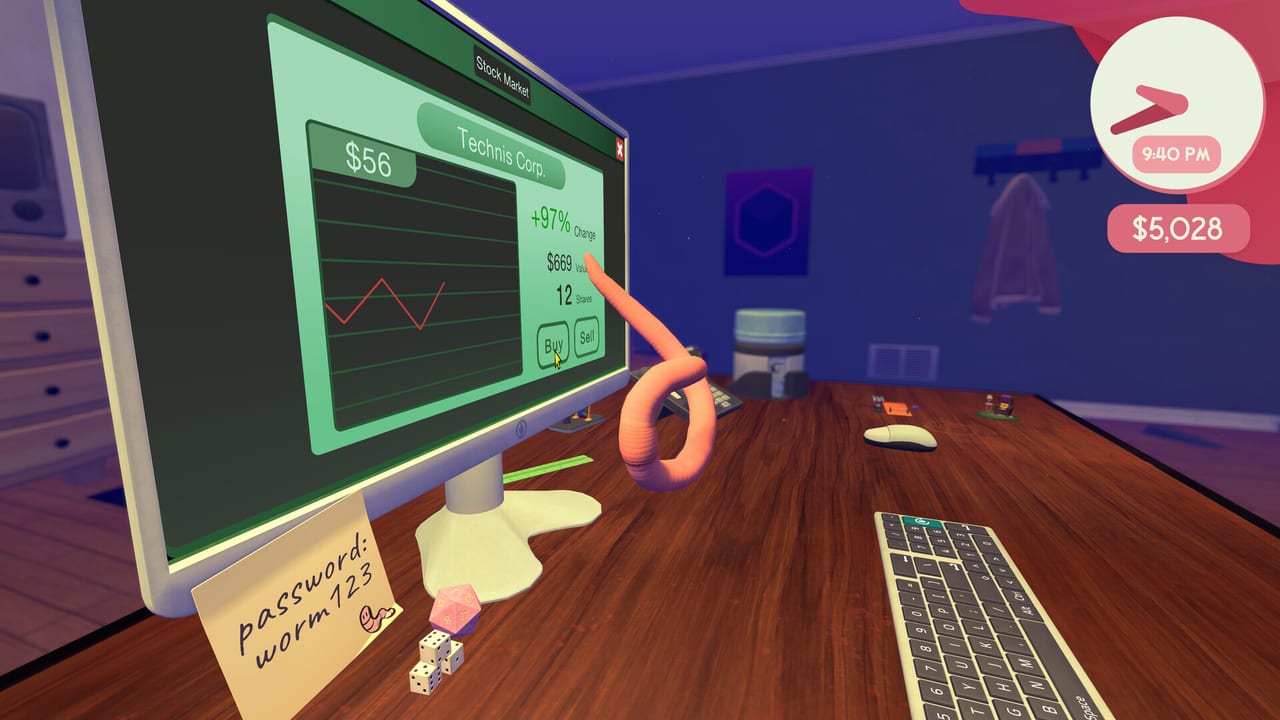
This is the short sheet. The long explanation is How to Play. Hardware floors are system requirements. If you have not logged in, use Getting Started first.
Worming from Home is a ragdoll. There is no traditional strafe-walk. You throw a body, you land on a key, the monitor is a separate camera. Full controller support is on the store page. Steam Deck is Verified, which means the default layout is supposed to reach every action without a keyboard overlay.
Core verbs
| Verb | Mouse and keyboard (demo/playthrough language) | Gamepad / Deck | What it is for |
|---|---|---|---|
| Fling / wiggle | Move input aimed at the body, not a cursor | Left stick | Commuting across wood and keys |
| Jump / charge hop | Space (demo language) | South-face button | Mounting the keyboard, reaching phone, worm hole |
| Camera lock on monitor | Middle mouse (demo language) | Click / focus bind in default layout | Confirming what you typed |
| Look | Mouse look | Right stick | Finding Backspace before you need it |
| Confirm click | Physically shove or ride the in-world mouse, then bounce | Same, still the in-world mouse | Sending mail, hitting cells |
| Reset objects | In-game reset control shown when things yeet | Same | Retrieve mouse, dice, dignity |
Exact glyphs can differ after a patch. If a bind fights you, change that one bind. Do not download a random community layout until you have tried Valve’s default on Deck — the Verified report exists because that default worked in test.
Typing cheatsheet
- Lock the monitor before the first letter.
- Backspace is a key you commute to.
- Shift and Caps Lock are platforms. Spreadsheets care about case.
- Number row is a second neighborhood. Passwords and prices live there.
- Adjacent keys are how you invent new companies on the stock market.
Phone and webcam
Picking up and hanging up are physics, not UI buttons. Hang-up is a hop on the disconnect control. Webcam is a prop that can snitch. Details in How to Complete Tasks.
Worm hole exception
In the worm hole, jump charge is the whole game. Hard mode hides the charge cue and restarts on fail. Practice on the desk until a charged hop lands where you looked.
Accessibility that is actually listed
Steam lists color alternatives, custom volume, stereo, and playable without timed input / QTEs. That does not delete task timers. It means the comedy is not a Simon-says overlay. You can still fail a sheet by being slow. You should not fail because a hidden prompt needed a frame-perfect tap.
If nothing works
- Confirm you are not trying to WASD like a shooter.
- Camera-lock the monitor.
- Reset objects.
- Switch keyboard to gamepad or the reverse for ten minutes.
- Read How to Play instead of buying a hat.
Patches that touch binds will be noted on launch notes. Official support mail and Discord sit on Links.
Frequently Asked Questions
Quick answers to the most common questions.
What is the most important bind?
Camera lock on the monitor. Typing blind is how passwords become poetry.
Can I play entirely on a controller?
Yes. The store lists full controller support, including DualShock and DualSense, and Deck is Verified.
How do I click Send on an email?
Move the physical mouse until the on-screen pointer is on Send, then bounce a click. There is no separate UI cursor.
Is there a way to skip physics?
No. The ragdoll is the game. Tools on this wiki do not include cheats.