
Worming from Home Tools
Practical pages for binds, hardware, and saves — not cheat menus.
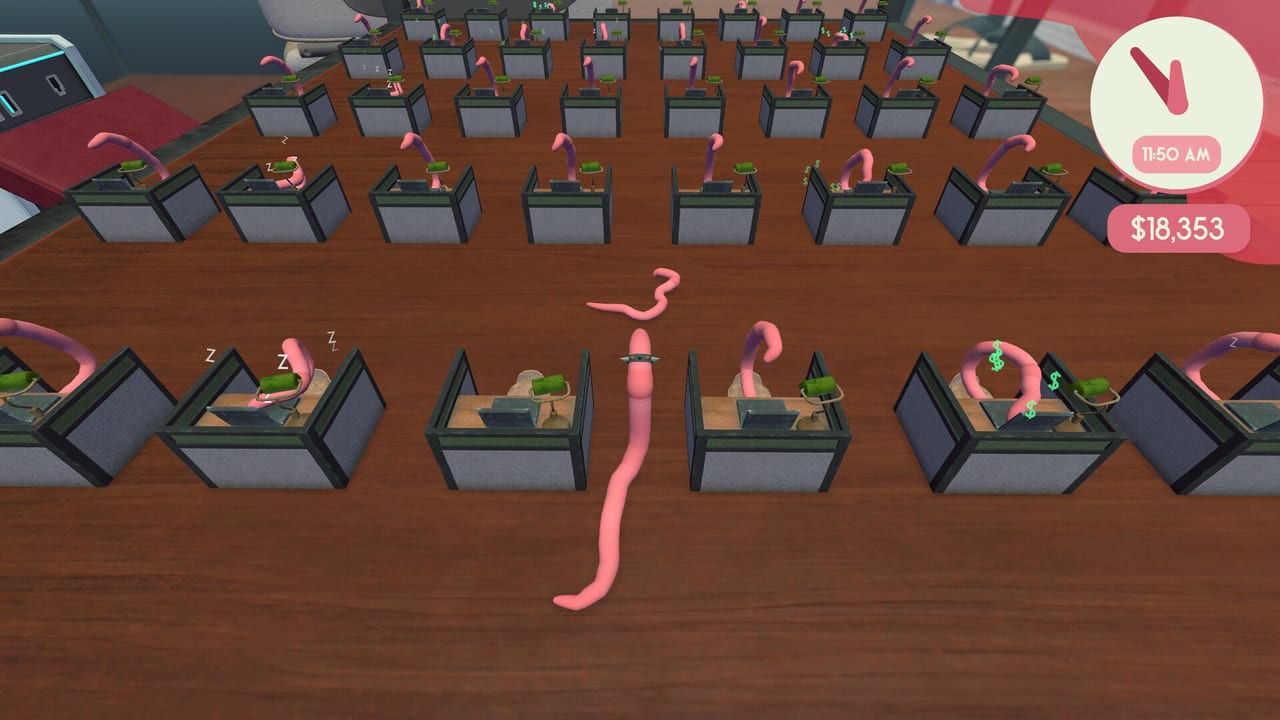
This hub is the utility drawer. Worming from Home does not ship a public companion app, a damage calculator, or a code redeemer. What players actually need is a controls reference, a system requirements sheet, and the achievements overlay map. Gameplay strategy stays in Guides. Spending stays in Tier List. Patch dates stay in Updates.
What you will find here
Controls reference. Ragdoll verbs, camera lock, jump/charge, mouse shoving, Deck and gamepad notes, reset-objects. If you are bouncing into a mug, start there, then go back to How to Play for the essay version. The table is for people who already know the joke and just want the bind.
System requirements. Windows and Mac floors, Deck verification, install size, save paths, Cloud, achievements. Gift-guide material. Also the place that repeats the single-player fact so nobody installs expecting a couch second-player overlay. If you are buying a copy for a friend with a 2015 laptop, read it twice.
What you will not find here
Trainers, injected menus, or “instant promotion” sliders. The game is a physics joke you are supposed to play. If a future official tool ships from the developers, it can live on this hub and on Links. Until then, the tools are documentation. We will not host a fake spreadsheet optimizer that types the cell for you. That would miss the point of a worm on a keyboard.
There is also no promo-code box. Paid Steam sim, no live-ops calendar, no daily reset of cash. If a comment promised otherwise, it was thinking of a different genre.
How these pages should be used
- Before you buy: requirements.
- After you bounce off the desk: controls.
- After a patch: both, plus launch notes.
- After you can type: stop living in Tools and go finish tasks.
- After the first bonus: leave Tools entirely and open the upgrade ranking.
Sibling links stay inside this category so the two utility pages point at each other. They also point at Getting Started because a table never replaced a first hour. If the Deck glyphs look wrong after a Proton update, come back to requirements, then Discord via Links. If you opened Tools looking for codes, there are none — read the review for why this is a paid complete sim instead of a live-ops client.
Keep this hub boring on purpose. The funny pages are the desk guides. The useful pages are the three children linked above. The PC dropdown caps at eight rows; this hub is the overflow.
Frequently Asked Questions
Quick answers to the most common questions.
Is there a code redeemer?
No. Worming from Home is a paid Steam sim without a public promo-code channel.
Do you host cheats?
No. Use the controls and requirements pages, then play the ragdoll.
Steam Deck or PC first?
Both work. Deck is Verified. Read system requirements for the floors.