
Worming from Home on Steam Deck
Verified controls, a tiny screen, and the same desk lip.
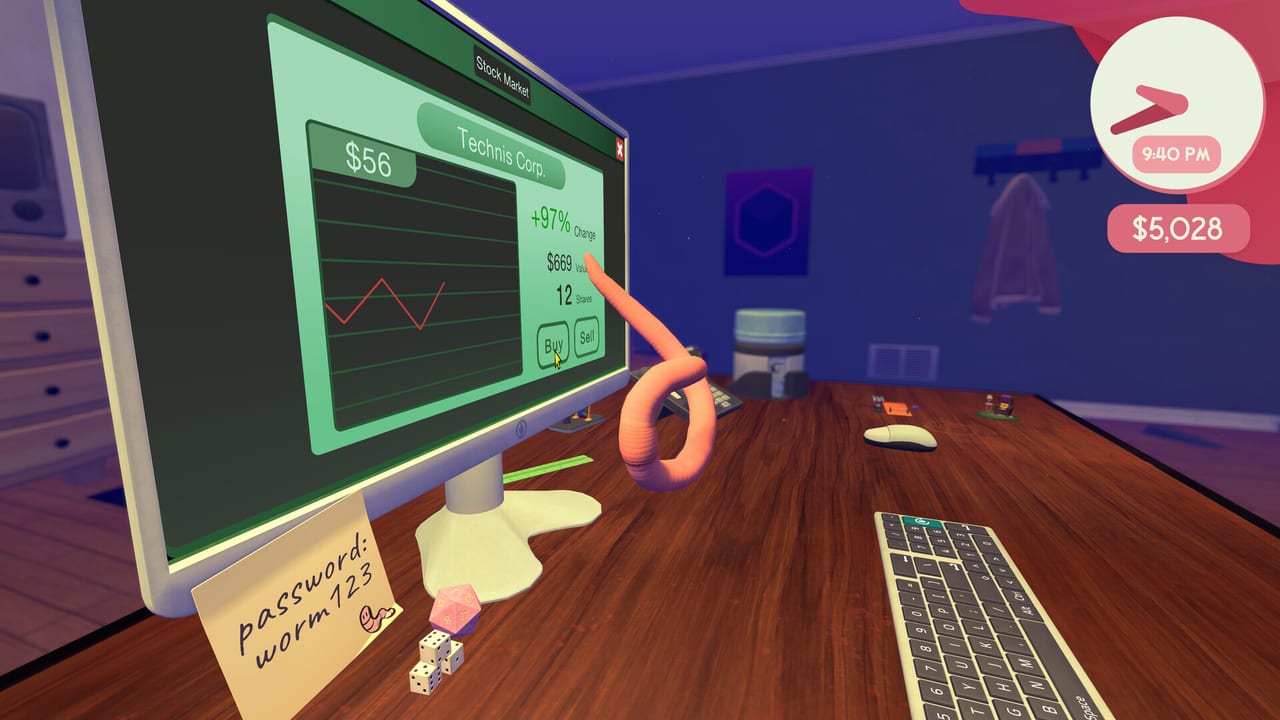
Valve marked Worming from Home Steam Deck Verified in late August 2026, a week before the 4 September launch. This page is the handheld how-to. The full bind table is the controls reference. The essay version of the ragdoll is How to Play. Hardware floors and install size sit on system requirements.
What Verified actually promised
The late-August developer note and the store badge say the default controller config reaches every action, glyphs match, on-screen text is readable, and the default graphics preset performs. You should not need a community layout to log in, lock the camera, jump, grab, or submit a cell. If a community layout appears later, treat the official default as the baseline and only swap a bind that is fighting you.
Verified is not a promise that F2 is easy on a 7-inch screen. Spreadsheet jobs still want camera lock and tiny mouse nudges. That is why a Bluetooth mouse remains a valid Deck accessory for this game even though the default layout is complete.
Binds that matter on a handheld
Playthroughs on gamepads used:
- Left stick to fling and wiggle the body.
- South-face button for jump and charged hop.
- A trigger for head bash (RT in one first-look).
- Right-click equivalent to grab when close to an object.
- A click or dedicated button for monitor lock (middle-mouse on desktop).
On Deck, find those verbs in the default config before you invent a scheme. Camera lock is the one that saves sheets. Grab is the one that moves the mouse and the dice. Charge is the one that launches you into a mug. Reset-objects, if present, beats a full day reload when the mouse left the desk.
When the Deck is the better machine
Analog charge feels kinder in the worm hole than a keyboard tap. Couch sessions and SteamOS sleep are the point of Verified. Sleep debuffs in the campaign still exist if you skip the pot; the handheld does not pause the in-fiction clock unless you open the Steam overlay and actually pause.
When a mouse still wins
One-pixel sheet clicks, intern names in F2, and hat shopping in a dense catalog are slower on a trackpad. Dock the Deck or pair a mouse for intern cards and long formulas. Then undock for commute practice. That hybrid is allowed. The game is single-player. Nobody is waiting in a lobby.
Performance and settings
The Windows depot is about 3.9 GB on disk. Deck storage is not the bottleneck. If a frame hitch appears during a charged hop, drop shadows before you drop resolution; you need to read cell letters. Color alternatives and custom volume are on the store accessibility list. Use them. The comedy is physics, not a QTE you must hit on a beat.
A first Deck hour
- Install from Steam. Keep the default layout.
- Survive the opening call without charging toward the camera. Getting Started is the checklist.
- Practice monitor lock on the password field.
- Clear one mail and one sheet.
- Only then open the shop. Rank purchases on the upgrade list, not on the first hat you see.
If glyphs look wrong after a Proton or SteamOS update, come back here, then Discord via Links. Patch context lives in launch notes and first week.
Frequently Asked Questions
Quick answers to the most common questions.
Is Worming from Home Steam Deck Verified?
Yes. The developers announced the Verified badge in the final week of August 2026. The store still lists it.
Do I need a community controller layout?
No. Verified means the default config covers every action. Swap a bind only if one verb is fighting you.
Can I play the intern spreadsheet on Deck?
Yes, but F2 jobs are easier with a mouse. See Interns and dock or pair a pointer if the trackpad hates the cell.
Does Verified include the worm hole?
The badge is for the whole game. Analog charge on a stick is a reasonable pick for the portal. The course is still optional.