
Worming from Home How to Pass the Final Interview
Soundboard, webcam, and the last physical handoff before the title.
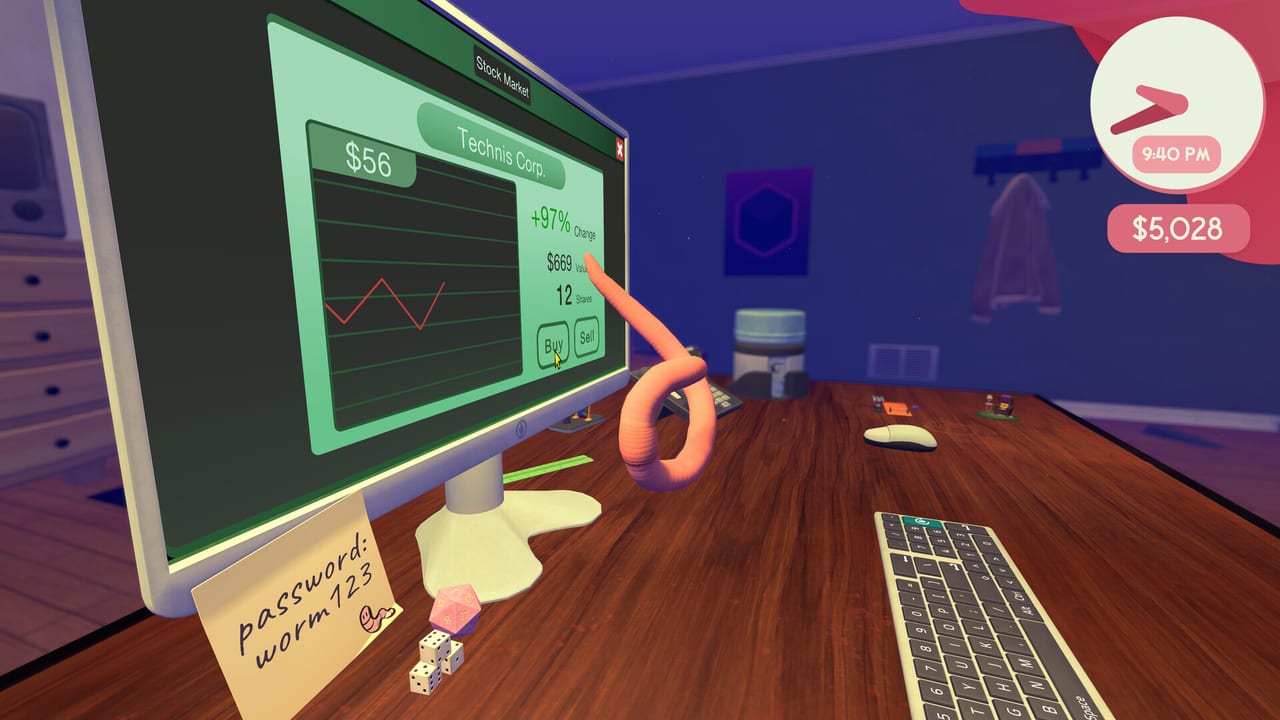
The final promotion challenge is a video call that combines every skill the desk has been teaching separately. Full-release play reports a soundboard for typing responses, camera requests to show objects, and fast handoffs between them. One wrong key can force the current sentence to be entered again. This page is how to prepare the room, how to run the handoffs, and when to reset instead of retry.
Before you accept the call
The 9puz guide recommends staging the room as a state machine before you pick up. A cluttered route or an unfamiliar upgrade creates avoidable retries during a timed sequence. Prepare everything while the day is still yours.
Input ready
Practice on the installed mouse and keyboard. Late upgrades change the feel of movement, so buying a new mouse immediately before the call is not automatically an advantage. Confirm you can still hit the keys you need before you commit.
Lock the monitor camera. You will need to read the prompts and the status strip while typing responses. If camera lock is fighting you, release, reposition, and lock again rather than working blind.
Route ready
Clear a direct path between the soundboard controls, webcam area, and any object the prompt may request. Loose papers can become ramps or obstructions depending on where they land. The route you scout in practice is the route you use in the call.
Camera ready
Keep at least one valuable-looking shop object within reach. The interview may ask you to show something expensive. When the boss asks, hold the webcam in front of the chosen object and keep it framed. The developer notes that the scan takes a moment and its status appears at the top of the webcam view.
A quick pass across the object is not a failed item test. Wait for the status. If the printer or mouse is rejected, use the shop and live prompt to choose another object instead of assuming purchase price alone is the trigger.
Reset ready
Locate the computer tower below the desk before the call. Developer Zach Northrop confirmed on Steam that its power control is the place to turn the computer off and on when a headset-reset prompt appears. Do not click the monitor or the desktop power icons for a headset reset.
Money ready
Finish required hardware purchases before committing spare cash to interns, cosmetics, or the market. The call is not the place to discover you cannot afford the object the prompt requests.
During the call
Soundboard: Type deliberately. Treat a reset as sentence-local. Stop when a wrong character appears, return to the requested phrase, and restart that phrase cleanly. Random key hits make the physics funny during normal work but are expensive during a timed multi-step call.
Camera: Hold the requested object fully in view until the status strip changes. Do not rapidly cycle every desk object.
Headset: If the headset portion will not recover, go to the tower below the desk. If the camera portion will not advance, keep the requested object in view until the status changes. Those two developer-confirmed readbacks distinguish a routing mistake from a broken call.
If the call fails
| What remains on screen | Most useful next check |
|---|---|
| Camera request | Hold the object inside the webcam view until the top status changes |
| Headset-reset request | Power control on the computer tower under the desk |
What comes after
The completed interview advances the promotion. Full promotion details are in How to Get Promoted. The contract signing that precedes this step is on Contract Signing. Desk movement practice is in How to Play.
Frequently Asked Questions
Quick answers to the most common questions.
How do I prepare for the final interview?
Stage the room before you accept: clear the route, practice input, choose a valuable object for camera requests, and locate the computer tower for headset resets.
What do I do if the headset resets during the call?
Go to the computer tower below the desk and use its power control. Do not use the monitor or desktop power icons.
The camera keeps rejecting my object.
Keep the object fully in view until the status strip changes. If rejected, choose another object from the shop rather than assuming price is the trigger.
Why is my soundboard input not registering?
Type deliberately and reset a sentence locally when wrong. Random key hits are expensive during the timed call. Wait for the prompt and restart cleanly.